← All apps
Productivity / AVAILABLE ON ANDROID
PDEditX: PDF Editor & Reader
From open to signed, in one place.
Read, mark up, fill and sign PDFs from your phone or tablet. Edit supported text and images, organise pages, and share a finished copy wherever your day takes you.
Get it on Google PlayOfficial Google Play listing · Device and regional availability may vary.
 Google Play listing preview
BUILT AROUND YOU
Your paperwork. Handled.
Edit supported text and images on the page
Annotate, fill forms and add visible signatures
Reorder, split, merge, save and share pages
THREE WAYS TO FIND YOUR FLOW
Small steps.
More possibilities.
See what you can do with PDEditX.
Choose a step to take a closer look.
FEATURE 01 / 03
Find what matters
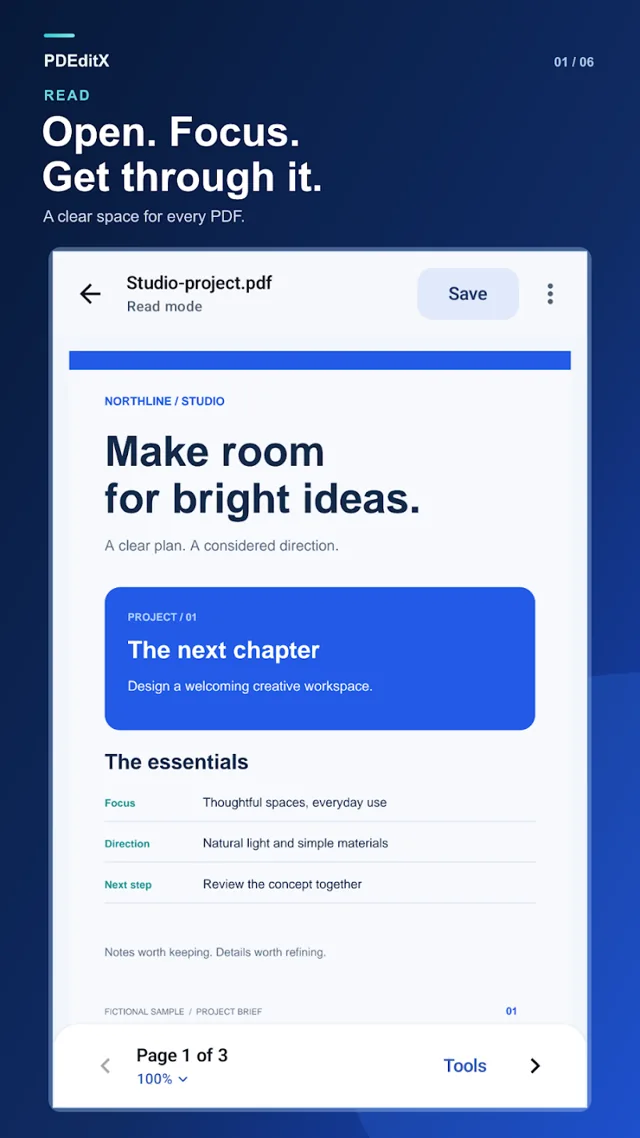
Open a PDF on your phone or tablet, search its text and bookmark the pages you’ll want to return to.
Discover it on Google PlayGoogle Play listing previewFEATURE 02 / 03
Make your mark
Annotate a document, complete a form or add a visible signature. For supported PDFs, edit text and images right on the page.
Discover it on Google Play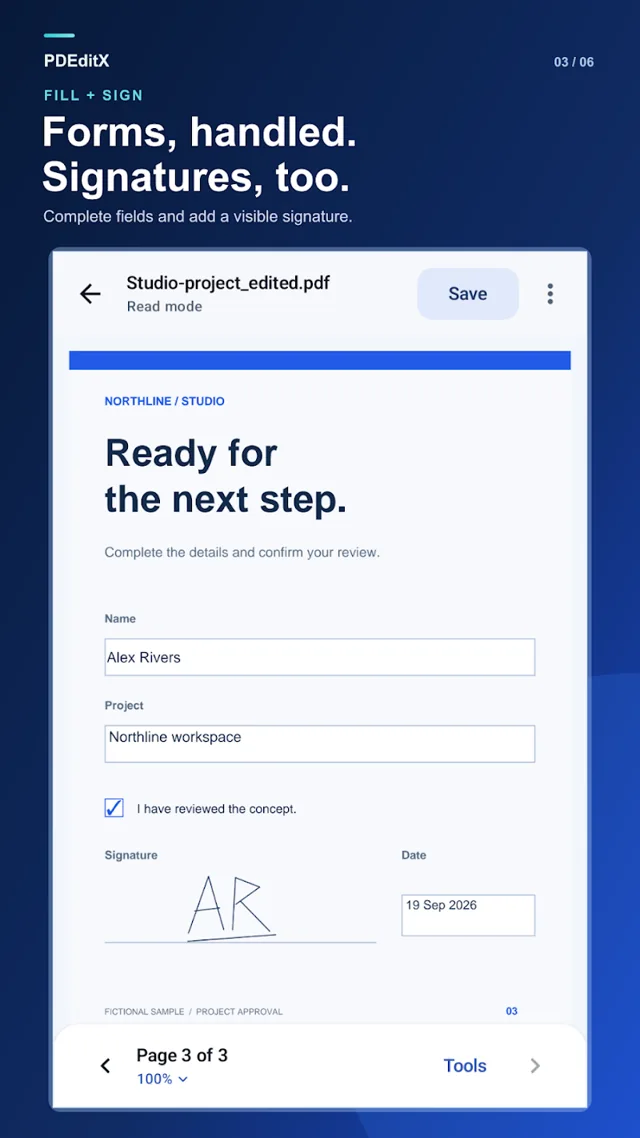 Google Play listing preview
FEATURE 03 / 03
Send a finished copy
Reorder pages, split a document or merge PDFs. Save your changes and share the result when it’s ready.
Discover it on Google Play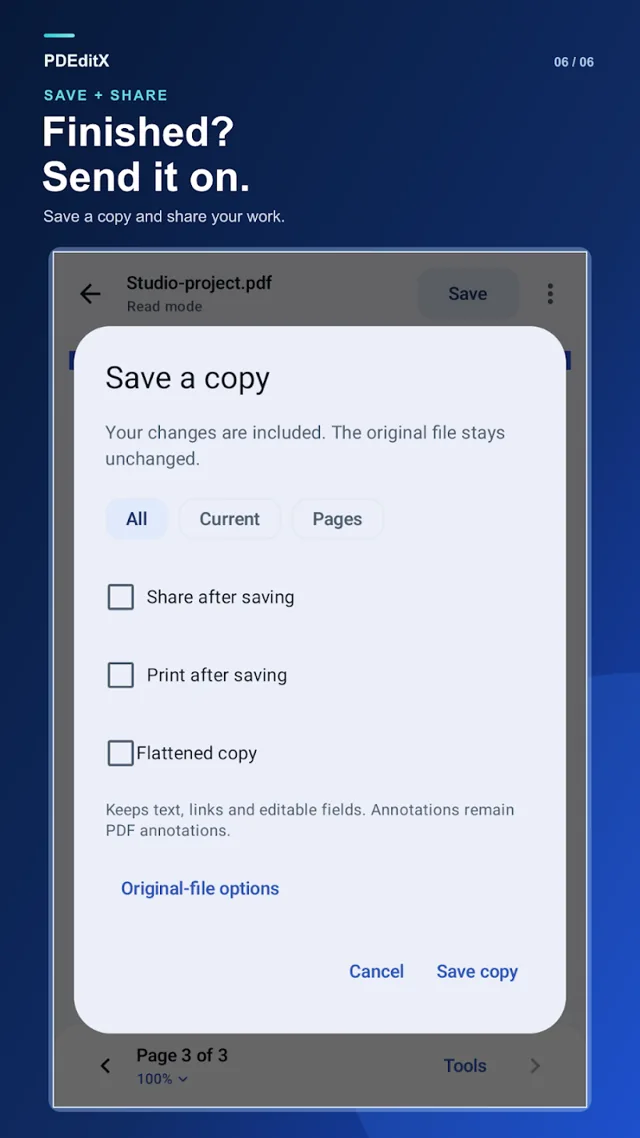 Google Play listing preview
TAKE A CLOSER LOOK
A peek inside PDEditX.
Previews from the official Google Play listing.
Tap any image to enlarge.
Good to know
Contains ads, with an optional one-time purchase to remove them. Editing depends on the PDF. Visual replacements are not secure redaction; visible signatures are not certificate signatures.
MORE FROM THE STUDIO